What is Teachable Machine?
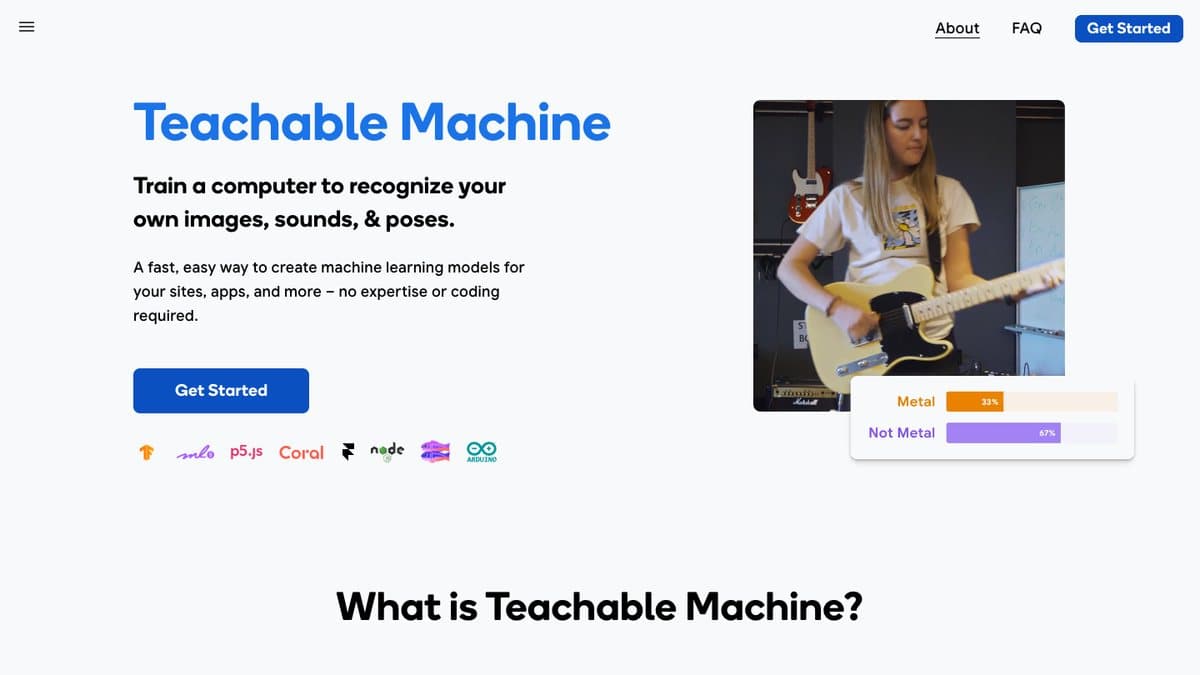
Teachable Machine is a Google Creative Lab tool that lets anyone train a small machine learning model in the browser. You make a few classes, like thumbs up and thumbs down, record examples with your webcam or microphone, and press Train. Within a minute the model is recognising you live on screen.
The first version came out in 2017, and Teachable Machine 2.0 in 2019 added sound and pose projects along with model export. It runs on TensorFlow.js, and your training examples stay on your device unless you choose to save the project to Google Drive. You can export the finished model for websites, apps or small devices, which is why it is so popular with teachers, students and makers.
What You Can Do
- Train image, sound or body pose models
- Record examples with a webcam or microphone, or upload files
- See live predictions as soon as training finishes
- Export models to TensorFlow.js or TensorFlow Lite
- Optional saving of projects to Google Drive
How to Play Teachable Machine
- Open teachablemachine.withgoogle.com and press Get Started.
- Pick an Image, Audio or Pose project.
- Add a few examples for each class with your webcam or mic.
- Press Train Model and test it live in the preview.
Is Teachable Machine Free?
Teachable Machine is free with no account needed to train models. Signing in with Google is only needed if you want to save projects to Google Drive.
Who Will Enjoy It?
- Teachers introducing AI in class
- Students and kids curious how AI learns
- Makers building projects that react to gestures or sounds
- Designers prototyping AI ideas without code
Websites Like Teachable Machine
- Quick, Draw!: A fun way to see a trained neural network in action.
- Emoji Scavenger Hunt: Another Google camera game powered by a neural network.
- Scroobly: Machine learning that tracks your body to animate doodles.
Frequently Asked Questions
Is Teachable Machine free?
Yes. It is a free Google tool with no paid plan, and you can train models without signing in.
Does my webcam data leave my computer?
Your examples stay on your device unless you choose to save the project to Google Drive.
Can I use my model in my own project?
Yes. You can export it to TensorFlow.js or TensorFlow Lite.