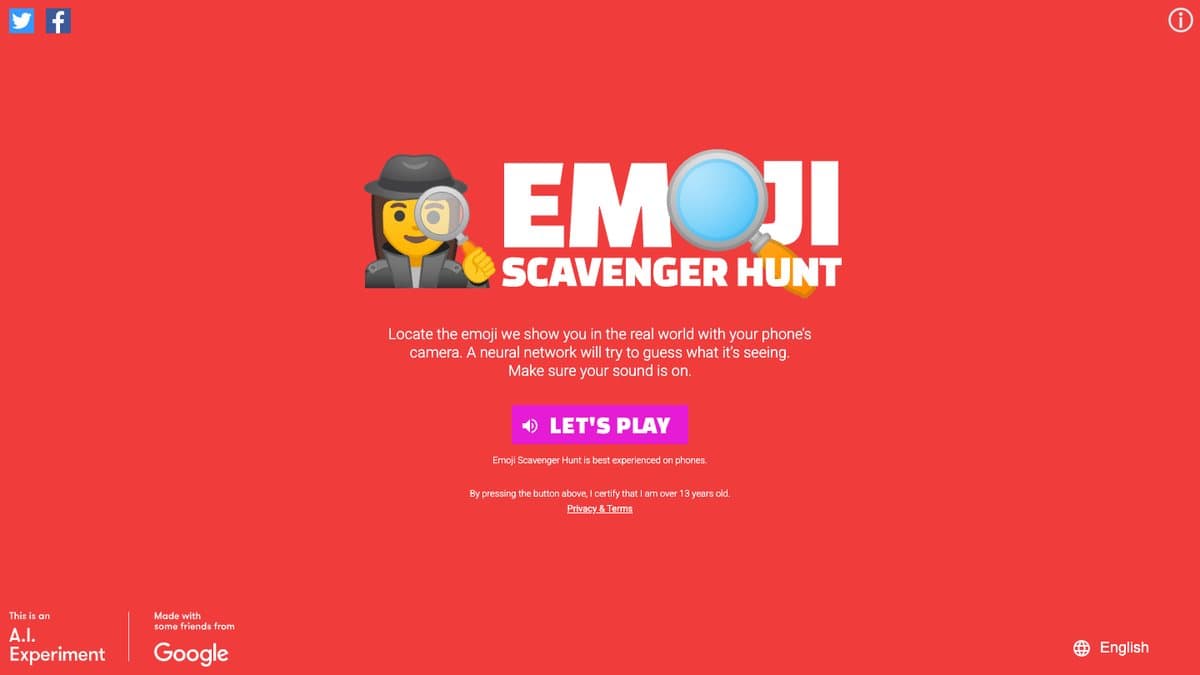
What is Emoji Scavenger Hunt?
Emoji Scavenger Hunt turns your phone into a treasure hunt. The game shows you an emoji, like a shoe, a banana or a clock, and starts a timer. You run around and point your camera at the real thing, and a neural network decides whether it sees a match. Find it in time and you move on to the next emoji.
It was made by Google's Brand Studio and PAIR teams and showcased around Google I/O in 2018. It runs on TensorFlow.js directly in your phone's browser, so it does not send your camera images to a server, and Google says no images are collected or stored. The game now lives on Google's archive site but still plays, and its code is open source on GitHub.
What You Can Do
- Get a random emoji to find in the real world
- Point your camera and let the AI decide if it matches
- Race the clock and see how many emoji you can find
- Play with recognition running on your device
- Explore the open-source code
How to Play Emoji Scavenger Hunt
- Open Emoji Scavenger Hunt on your phone.
- Allow camera access when asked.
- Look at the emoji and find that object around you.
- Point your camera at it until the game confirms the match.
Is Emoji Scavenger Hunt Free?
Emoji Scavenger Hunt is a free Google game with no account and no purchases.
Who Will Enjoy It?
- Families looking for a game to play around the house
- Kids who like running around more than sitting still
- Teachers showing image recognition in action
- Anyone curious how well AI sees everyday objects
Websites Like Emoji Scavenger Hunt
- Quick, Draw!: Another Google AI guessing game, using doodles instead of a camera.
- Teachable Machine: Train your own camera-based AI in the browser.
- Scroobly: Uses your camera to animate a doodle with your movements.
Frequently Asked Questions
Is Emoji Scavenger Hunt free?
Yes. It is free with no sign-up.
Does Emoji Scavenger Hunt upload my camera images?
No. Google says recognition runs on your phone and no images are collected or stored.
Which phones does Emoji Scavenger Hunt work on?
It works best in recent Chrome on Android or Safari on newer iPhones.