Mastering Vibe Coding: A Senior Engineer's Guide to Agentic Workflows
When the term Vibe Coding first gained popularity, it was met with skepticism by seasoned developers. To many, it sounded like a return to copy-paste programming, where engineering rigour is sacrificed for speed.
But if you look past the casual name, you find a significant shift in software engineering: the rise of high-abstraction programming. Vibe coding, when done correctly, is not about writing sloppy code. It is about acting as a system architect, utilizing AI agents to compile, write, and execute code based on precise specifications.
For senior engineers, mastering this workflow requires moving past simple auto-completions and learning how to orchestrate autonomous agent loops.
The Core Problem: Context Noise and Model Drift
When developers attempt to use AI agents on medium to large codebases, they often run into a wall. The agent starts making incorrect assumptions, hallucinates functions, or deletes working code.
This behavior is caused by two main issues:
- Context Noise: Sending too many implementation files to the model. This dilutes the attention mechanism and leads to poor reasoning.
- Model Drift: The model forgets initial security rules or formatting constraints as the conversation gets longer.
To solve these problems, we need a structured framework that treats our interactions with AI as a reliable software pipeline.
The VEV (Vibe-Execute-Verify) Framework
A robust vibe coding workflow is built on three distinct phases: Vibe, Execute, and Verify.
graph TD
    A[Vibe: Interface-Driven Context] --> B[Execute: XML Prompt Architecture]
    B --> C[Verify: Self-Healing AST Loops]
    C -->|Feedback/Errors| A
    C -->|Success| D[Atomic Git Commit]
1. Vibe: Interface-Driven Context (IDC)
The most important rule of advanced vibe coding is to never pass raw implementation files to an agent when an interface file will do.
If your agent is writing a new UI component that displays user stats, do not send the full styling library or unrelated page wrappers. Instead, send the interface or type definitions of the data and design tokens. This approach, known as Interface-Driven Context, minimizes token usage, keeps the context window clean, and prevents the agent from rewriting system utilities.
2. Execute: XML Prompt Architecture
Avoid free-form natural language. AI models are trained on structured data, and they parse structured text far better. Use XML tags to segment your prompts. XML tags provide clear boundaries for the model to separate system rules, code context, and variables.
3. Verify: Self-Healing Loops
Never trust code generated by an AI without automated validation. A master vibe coder sets up a local file watcher or integration tests. If the compiler, linter, or test suite throws an error, you pipe that exact terminal output back to the agent to let it auto-correct.
In Practice: Implementing a Glassmorphic Dashboard Card
Let us look at a concrete, production-grade example of the VEV framework. We will build an interactive Glassmorphic Statistics Card component in React with tailwind styling, custom tooltips, and keyboard navigation.
Phase 1: Context Definition (IDC)
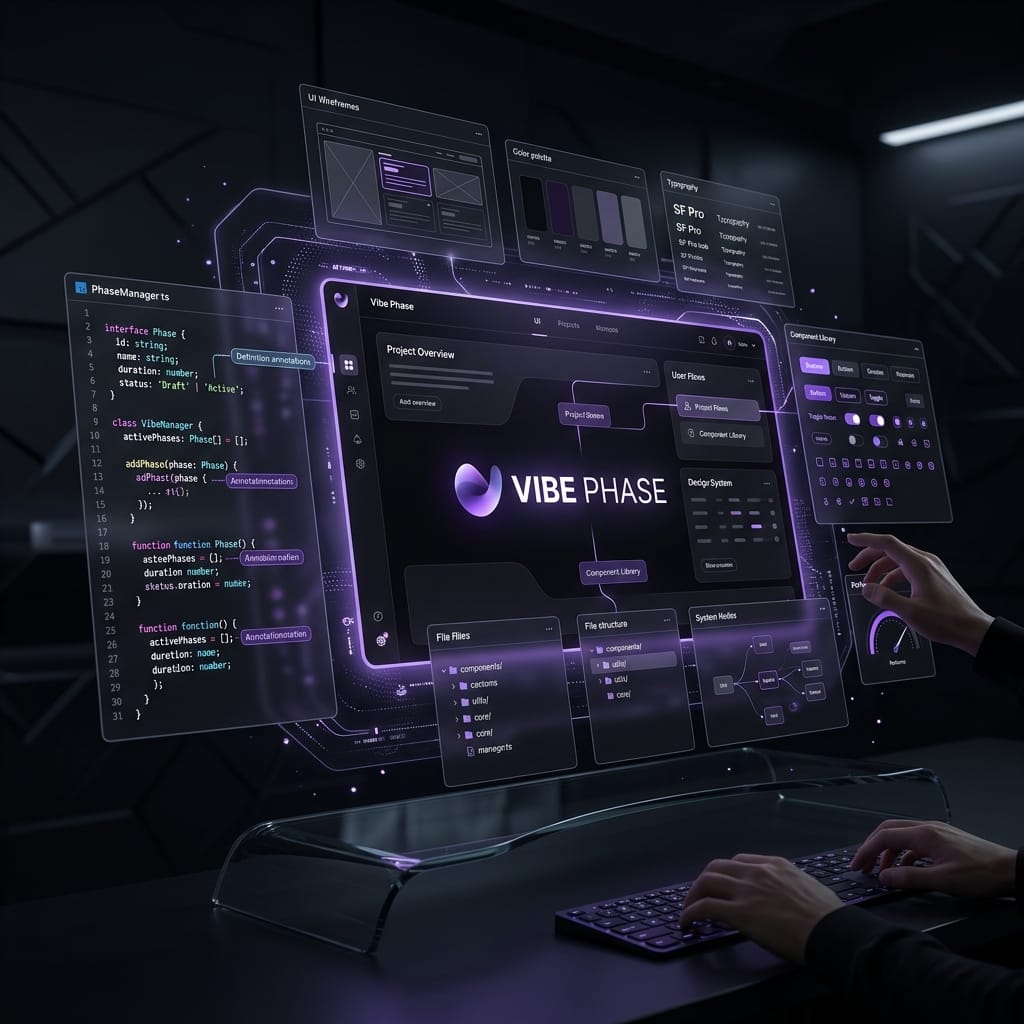
First, we provide the model with the exact interface of the metrics data and design system tokens.
Our context file (types/dashboard.ts):
export interface MetricData {
  id: string;
  label: string;
  value: string | number;
  changePercent: number;
  trend: 'up' | 'down' | 'neutral';
  tooltipText: string;
}

export interface DesignTokens {
  glassBg: string;
  glassBorder: string;
  glowColor: string;
}
Phase 2: Execution (The Prompt)
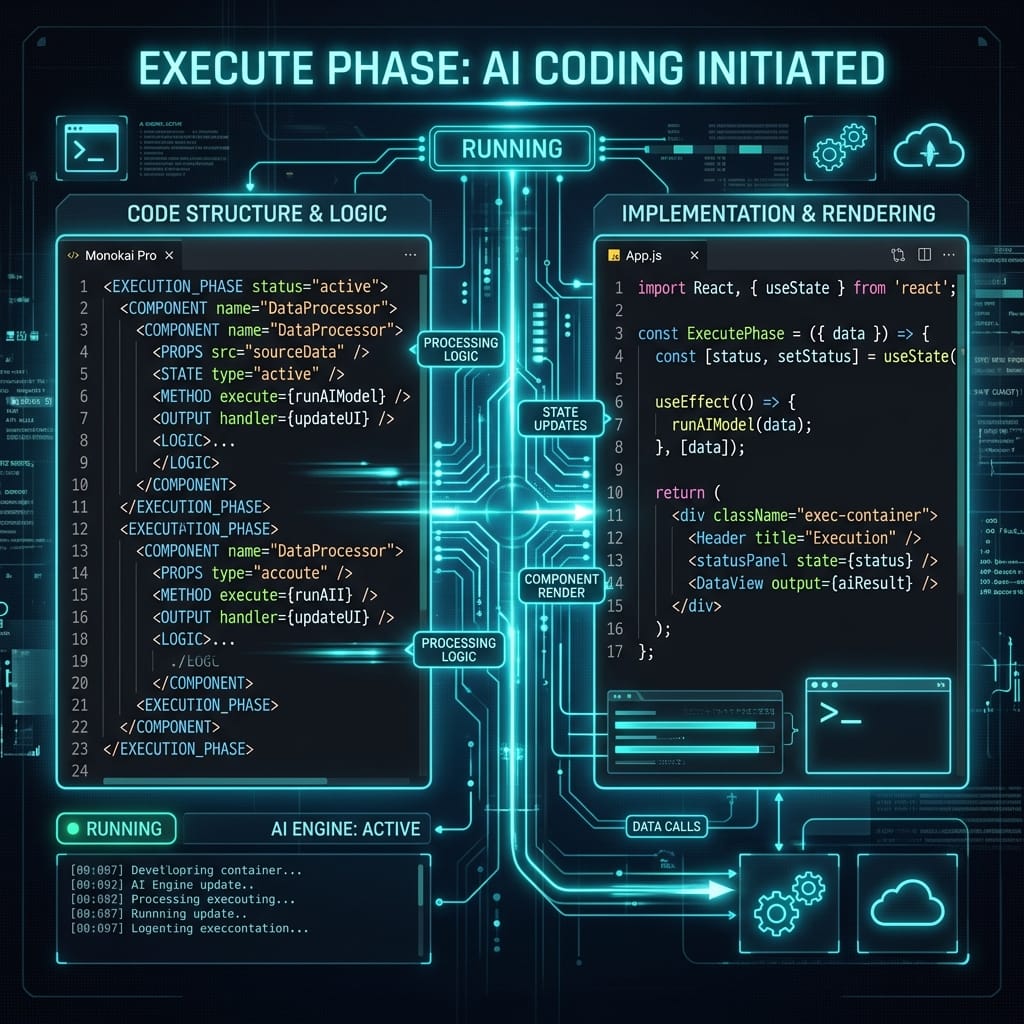
We feed the model a structured prompt using XML tags to isolate instructions from context.
<system_instructions>
You are a senior frontend engineer. Implement a React component for a Glassmorphic Dashboard Card.
Use Tailwind CSS classes. Ensure the component is accessible.
Follow modern design aesthetics: subtle glow, glassmorphism backdrop filters, and hover transitions.
</system_instructions>

<context>
Using interfaces MetricData and DesignTokens from types/dashboard.ts.
</context>

<requirements>
1. Implement a component `StatCard` inside `components/StatCard.tsx`.
2. Apply a glassmorphism backdrop-blur effect with a subtle border and glowing hover state.
3. Display the metric label, value, and a trend badge.
4. Badges should be:
   - Green with up-arrow icon for positive trend.
   - Red with down-arrow icon for negative trend.
5. Include an interactive information icon that reveals a tooltip on hover and focus.
6. Support keyboard navigation (focus states, Enter to trigger tooltip details).
</requirements>

<output_format>
Return only the React component implementation of `components/StatCard.tsx`.
</output_format>
The Generated Implementation
The agent processes the structured prompt and returns a clean, fully typed React component:
import React, { useState } from 'react';
import { MetricData } from '../types/dashboard';

interface StatCardProps {
  data: MetricData;
}

export const StatCard: React.FC<StatCardProps> = ({ data }) => {
  const [showTooltip, setShowTooltip] = useState(false);

  const isPositive = data.trend === 'up';
  const isNegative = data.trend === 'down';

  return (
    <div
      className="relative overflow-hidden rounded-2xl border border-white/10 bg-white/5 p-6 backdrop-blur-md transition-all duration-300 hover:border-white/20 hover:shadow-[0_0_20px_rgba(255,255,255,0.05)] focus-within:ring-2 focus-within:ring-purple-500/50"
    >
      <div className="flex items-center justify-between">
        <span className="text-sm font-medium text-gray-400">{data.label}</span>

        {/* Info & Tooltip Icon */}
        <div className="relative flex items-center">
          <button
            onMouseEnter={() => setShowTooltip(true)}
            onMouseLeave={() => setShowTooltip(false)}
            onFocus={() => setShowTooltip(true)}
            onBlur={() => setShowTooltip(false)}
            aria-label={`About ${data.label}`}
            className="rounded-full p-1 text-gray-400 hover:bg-white/10 hover:text-white focus:outline-none focus:ring-1 focus:ring-white/20"
          >
            <svg className="h-4 w-4" fill="none" viewBox="0 0 24 24" stroke="currentColor">
              <path strokeLinecap="round" strokeLinejoin="round" strokeWidth={2} d="M13 16h-1v-4h-1m1-4h.01M21 12a9 9 0 11-18 0 9 9 0 0118 0z" />
            </svg>
          </button>

          {showTooltip && (
            <div
              role="tooltip"
              className="absolute bottom-full right-0 mb-2 w-48 rounded-lg border border-white/10 bg-gray-900/90 p-2 text-xs text-gray-200 shadow-xl backdrop-blur-sm transition-all"
            >
              {data.tooltipText}
            </div>
          )}
        </div>
      </div>

      <div className="mt-4 flex items-baseline justify-between">
        <span className="text-3xl font-semibold tracking-tight text-white">{data.value}</span>

        {/* Trend Indicator */}
        {data.trend !== 'neutral' && (
          <span
            className={`inline-flex items-center gap-1 rounded-full px-2 py-0.5 text-xs font-semibold ${
              isPositive ? 'bg-emerald-500/10 text-emerald-400' : 'bg-rose-500/10 text-rose-400'
            }`}
          >
            <svg
              className={`h-3 w-3 ${isPositive ? 'rotate-0' : 'rotate-180'}`}
              fill="none"
              viewBox="0 0 24 24"
              stroke="currentColor"
            >
              <path strokeLinecap="round" strokeLinejoin="round" strokeWidth={3} d="M5 10l7-7m0 0l7 7m-7-7v18" />
            </svg>
            {Math.abs(data.changePercent)}%
          </span>
        )}
      </div>
    </div>
  );
};
Phase 3: The Verification Loop

Now we run our Storybook or local development server. We notice that on mobile devices, the card value overlaps the trend badge if the string value is long. We also notice the tooltip is positioned off-screen on the right edge of mobile screens.
We feed these layout issues back to the agent with a targeted instruction prompt.
The Verification Prompt:
<issue>
1. On screen widths below 360px, long metric values (e.g. 1,248,930) push the trend badge out of the card.
2. The tooltip is cropped on the right side of the screen when the card is aligned to the right.
</issue>

<instructions>
Modify `components/StatCard.tsx` to:
- Wrap the value and trend badge into a flexible, wrap-enabled container. Change baseline alignment to grid-based or wrapping layout for small screens.
- Implement a smart tooltip alignment that checks if the container is right-aligned, or align the tooltip centered above the button.
</instructions>
The model revises the layout, replacing flex with flex-wrap and setting the tooltip to a centered and anchored position. This demonstrates the iterative nature of the VEV framework.
Tactical Rules for Advanced Vibe Coding
To keep your codebase clean while maintaining a high speed of development, adopt these rules:
- The Rule of Atomicity: One agent task should map to one feature or bug. Never ask an agent to build multiple features in a single prompt.
- The Test-Driven Prompt Rule: Write your integration tests first. Let the agent work on the implementation until your test suite goes green.
- The Lint and format Check: Run automated formatting (e.g. Prettier, ESLint) immediately after the agent writes code. This avoids noise in your git diffs.
Conclusion
Vibe coding is not about writing software without thinking. It is about changing where you spend your energy. By automating syntax generation and boilerplate implementation, you can focus on system boundaries, caching strategies, and API contracts.