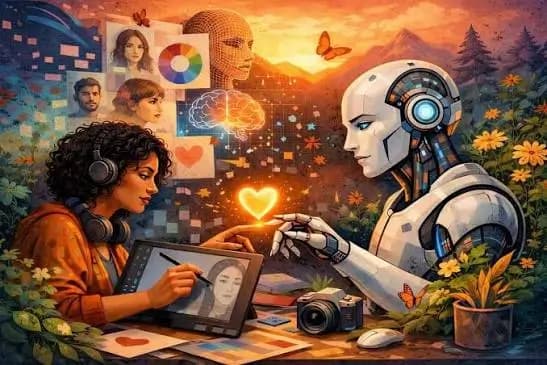
When AI image generators first became popular, many people believed artists and designers would soon become obsolete.
The headlines were dramatic:
"AI will replace graphic designers."
"Anyone can create professional art in seconds."
"Creativity is now automated."
But in 2026, the reality looks very different.
Professional creatives aren't using AI to replace their work - they're using it to eliminate repetitive tasks, experiment faster, and spend more time on what humans do best: storytelling, taste, and creative direction.
Here's how artists and designers are actually using AI today, with practical examples from real creative workflows.
1. Brainstorming Ideas in Minutes Instead of Hours
Every creative project starts with a blank page.
For many designers, that's the hardest part.
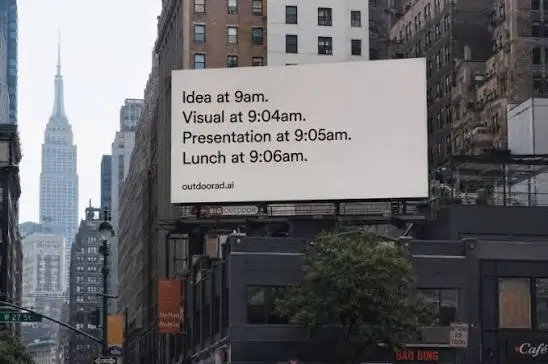
Instead of waiting for inspiration, AI helps generate dozens of directions almost instantly.
Example
A café owner hires a branding designer for a new specialty coffee shop.
Instead of sketching one concept at a time, the designer asks AI:
"Generate branding ideas for a minimalist Japanese-inspired coffee shop targeting young professionals."
Within minutes, AI suggests:
- Brand names
- Logo directions
- Color palettes
- Typography styles
- Interior design inspiration
- Packaging concepts
The designer doesn't copy any of these directly.
Instead, the ideas spark new directions that eventually become an original brand identity.
AI saves time. The designer creates the final brand.
2. Building Mood Boards Without Spending Hours on Pinterest
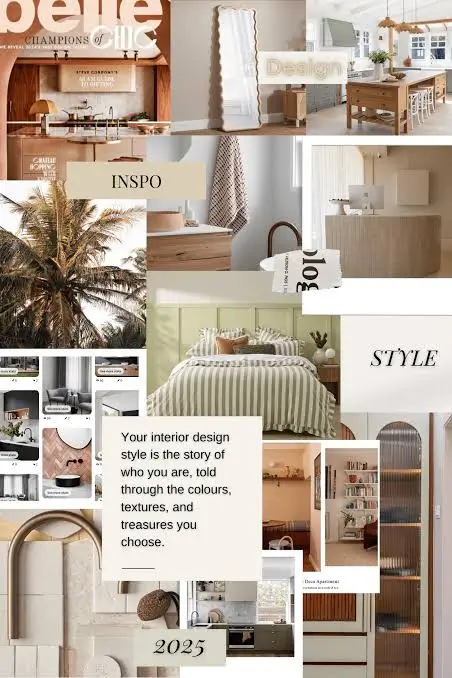
Mood boards are essential for communicating visual direction.
Previously, designers searched Pinterest, Behance, and Google Images for references.
Now AI creates customized mood boards in seconds.
Example
A client wants a skincare brand that feels:
- Premium
- Natural
- Scandinavian
- Sustainable
The designer asks AI to generate:
"Luxury skincare packaging using soft beige colors, recycled materials, clean typography, and warm natural lighting."
Within seconds, the client can visualize the creative direction before any design work begins.
That means fewer misunderstandings and faster approvals.
3. Exploring More Design Concepts
Clients often ask:
"Can I see another version?"
Creating five different concepts used to take an entire day.
Now AI generates dozens of starting points.
Example
A sneaker company needs fresh ideas for its next running shoe.
Instead of drawing one concept, the designer generates multiple versions featuring:
- Transparent soles
- Knit fabrics
- Metallic finishes
- Futuristic shapes
- Sustainable materials
Most ideas are discarded.
One unexpected combination inspires the final design.
The designer didn't let AI design the shoe.
AI helped expand creative possibilities.
4. Removing Repetitive Photoshop Work
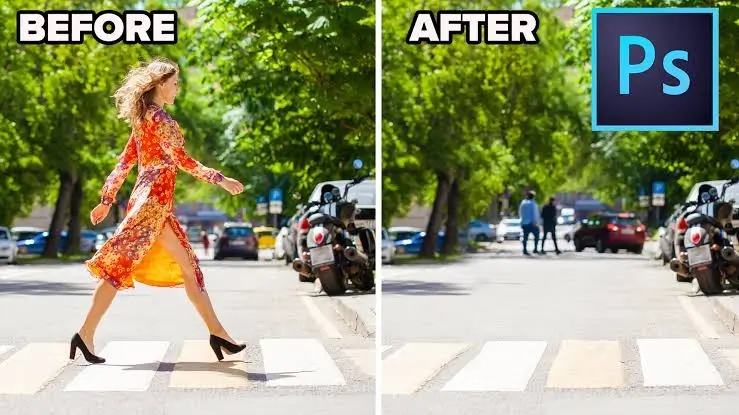
Professional designers still use Photoshop every day.
The difference is that AI now handles many repetitive editing tasks automatically.
Example
An e-commerce photographer has 300 product photos to edit.
Instead of manually removing every background, AI automatically:
- Removes backgrounds
- Corrects lighting
- Eliminates shadows
- Removes wrinkles from fabric
- Extends the canvas for different ad sizes
What once took an entire afternoon now takes less than an hour.
The photographer spends more time selecting the best images instead of editing each one individually.
5. Turning Rough Sketches into Finished Concepts
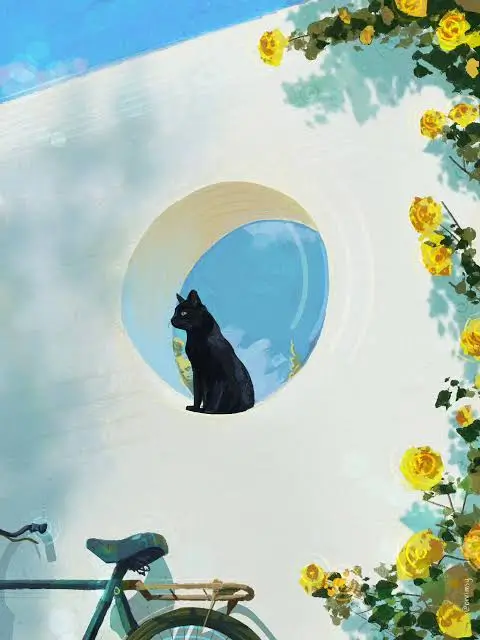
Many illustrators still begin with pencil and paper.
AI helps visualize ideas faster.
Example
A children's book illustrator sketches a dragon.
The drawing is rough.
After uploading it, AI generates several interpretations:
- Watercolor
- Disney-inspired
- Storybook style
- Anime
- 3D animation
- Colored pencil
The illustrator chooses elements they like from different versions and creates an original final illustration.
AI becomes a source of inspiration - not the finished artwork.
6. Creating Social Media Campaigns
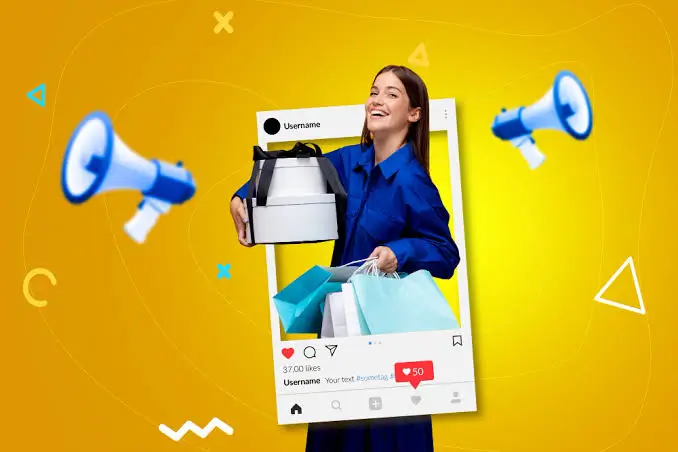
Modern brands rarely need just one image.
One campaign might require content for:
- TikTok
- Email newsletters
- Website banners
Example
A fashion brand launches its summer collection.
Instead of designing every image from scratch, AI creates:
- Lifestyle scenes
- Product mockups
- Different backgrounds
- Seasonal color variations
- Multiple ad layouts
The designer then adjusts the typography, branding, and composition to ensure everything matches the company's identity.
7. Helping Video Creators Plan Their Shots

Storyboarding usually requires drawing every scene.
AI dramatically speeds up this process.
Example
A YouTuber is making a travel video about Kyoto.
Instead of imagining every shot manually, AI generates storyboard frames showing:
- Sunrise at Fushimi Inari Shrine
- Walking through bamboo forests
- Local cafés
- Train stations
- Night streets
The creator uses these frames as a visual shooting guide.
When filming begins, they already know what scenes they need.
8. Designing Better User Interfaces
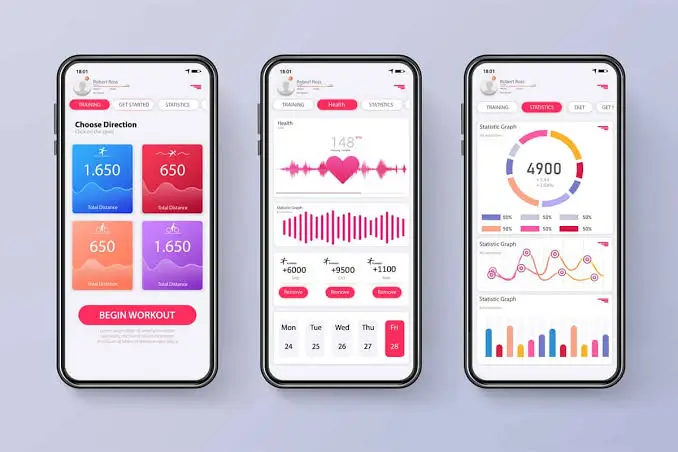
UI/UX designers often spend hours creating wireframes before adding colors and branding.
AI now creates functional layouts almost instantly.
Example
A startup wants an app for personal budgeting.
The designer asks AI to create:
- Login screens
- Dashboard layouts
- Expense tracking pages
- Charts
- Navigation menus
Instead of starting from a blank screen, the designer improves an AI-generated draft by refining usability, accessibility, and branding.
9. Restoring Old Photos
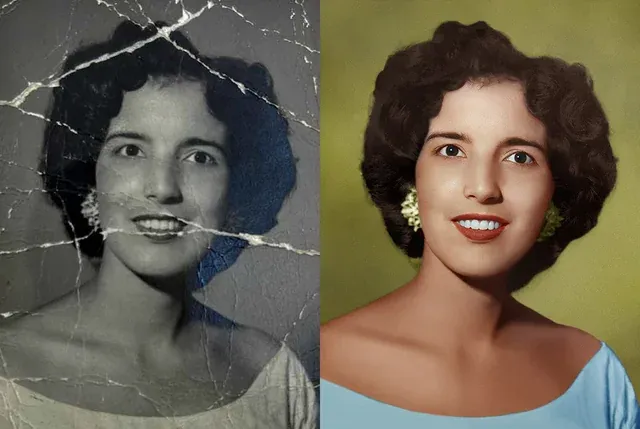
AI has become an incredible restoration tool.
Example
A family finds a faded black-and-white wedding photo from the 1960s.
AI helps:
- Remove scratches
- Repair tears
- Sharpen faces
- Improve resolution
- Colorize the image
The final restoration still requires manual adjustments, but AI completes most of the technical work in minutes.
10. Creating Product Mockups Without a Photoshoot
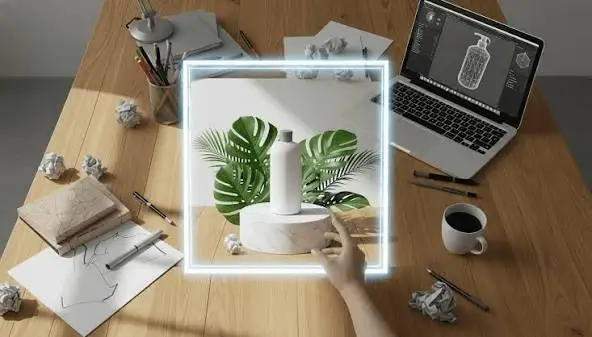
Traditional product photography can be expensive.
AI makes it much easier to visualize products before production.
Example
A startup is launching a reusable water bottle.
Instead of organizing a full photoshoot, AI creates mockups showing the bottle:
- On a hiking trail
- At a modern office
- In a gym
- Beside a laptop
- On a kitchen counter
These mockups help the company test marketing ideas before investing in professional photography.
11. Helping Architects and Interior Designers

Architecture firms increasingly use AI during the concept phase.
Example
A client says:
"I want a modern house with Japanese and Scandinavian influences."
Instead of waiting days for initial renders, AI quickly generates multiple concepts featuring:
- Exterior styles
- Living room layouts
- Material combinations
- Lighting ideas
- Garden designs
The architect then develops the chosen concept into technical drawings that comply with building regulations.
12. Designing Game Characters Faster
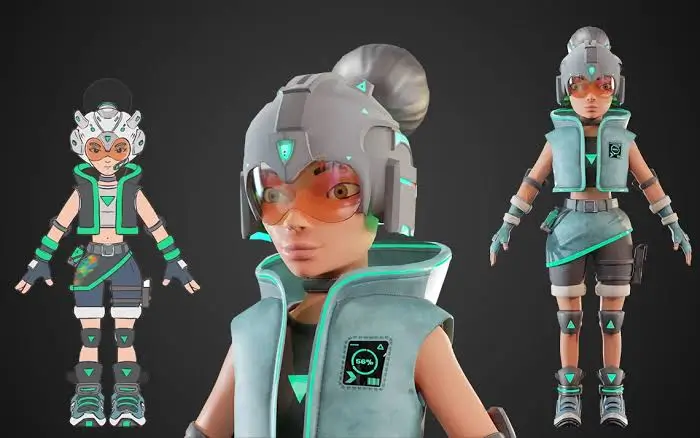
Game studios often explore hundreds of character ideas before choosing one.
Example
A fantasy RPG needs a female warrior.
AI generates variations with different:
- Armor designs
- Hairstyles
- Weapons
- Facial features
- Clothing styles
- Color palettes
The concept artist combines the strongest elements into one original character ready for production.
What AI Still Can't Replace
Despite its impressive capabilities, AI has clear limitations.
It doesn't understand:
- Why one logo feels more trustworthy than another.
- Why a color resonates with a particular audience.
- Why a story creates an emotional connection.
- Why one composition communicates a brand's personality better than another.
Those decisions require human experience, empathy, and creative judgment.
Final Thoughts
The biggest misconception about AI is that it creates great art on its own.
In reality, the best creative work in 2026 is still led by people.
AI helps generate ideas, automate repetitive editing, visualize concepts, and speed up production - but it doesn't replace imagination, taste, or storytelling.
Think of AI as a creative collaborator rather than a creative replacement.
The artists and designers who are thriving today aren't using AI to avoid creating. They're using it to create more, experiment faster, and spend less time on repetitive tasks - leaving more room for the ideas that truly matter.