What is Minecraft Classic?
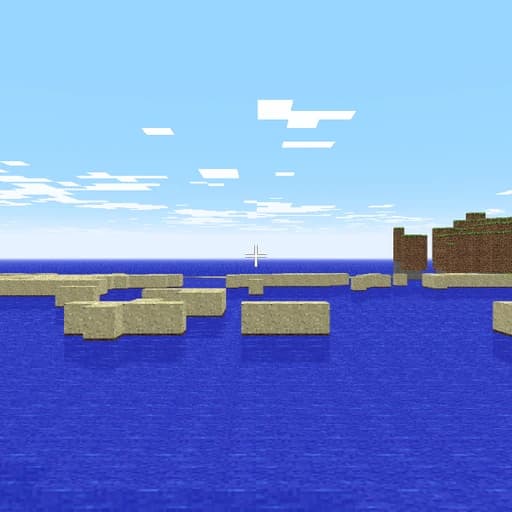
Minecraft Classic is Mojang's official browser version of Minecraft as it was in 2009. It was released for the game's 10th anniversary in 2019 and runs straight in your browser with no download and no login.
It is simple by today's standards: a flat world, 32 types of blocks, and no mobs or crafting. You can invite friends to build with you by sharing a link. It needs a keyboard and a browser with WebGL, and your world is not saved.
Main Features
- The original 2009 Minecraft in a browser
- Official, from Mojang
- 32 block types to build with
- Invite friends with a link
- No download and no login
How to Get Started with Minecraft Classic
- Open classic.minecraft.net on a computer.
- Click into the game to start.
- Build with the 32 classic blocks.
- Share the link to invite friends.
Minecraft Classic Pricing
Minecraft Classic is free in your browser, with no download and no login.
Who Should Use It?
- Minecraft fans who want nostalgia
- Kids trying Minecraft for the first time
- Friends who want a quick building session
Minecraft Classic Alternatives
- Brickbraga multiplayer brick-building world
- Voxelsbuild with 3D blocks
- Townscaperbuild colourful towns
Frequently Asked Questions
Is Minecraft Classic free?
Yes. It is free in your browser from Mojang, with no download and no login.
Can I play Minecraft Classic with friends?
Yes. You can invite friends by sharing a link.
Does Minecraft Classic save my world?
No. Progress is not saved.