Open-source AI tools on GitHub are the best free software in the world and the easiest way to run something nasty on your own computer. A star count tells you a project is popular. It does not tell you what runs when you install it.
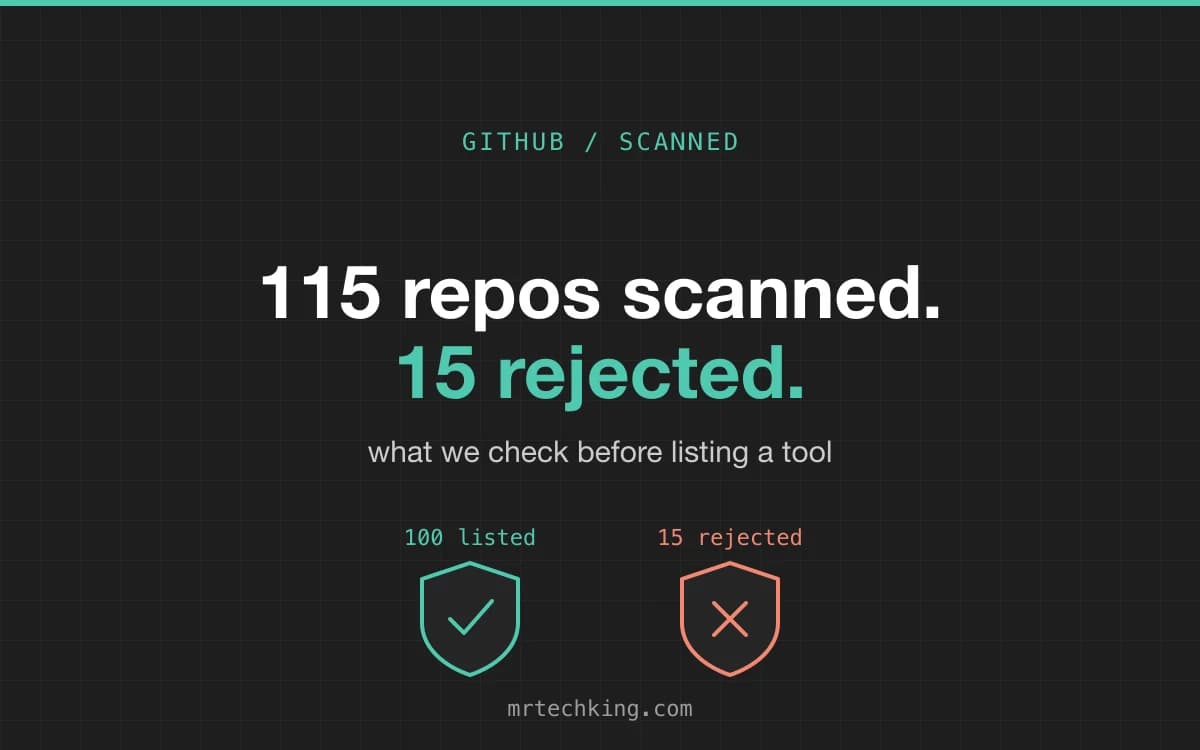
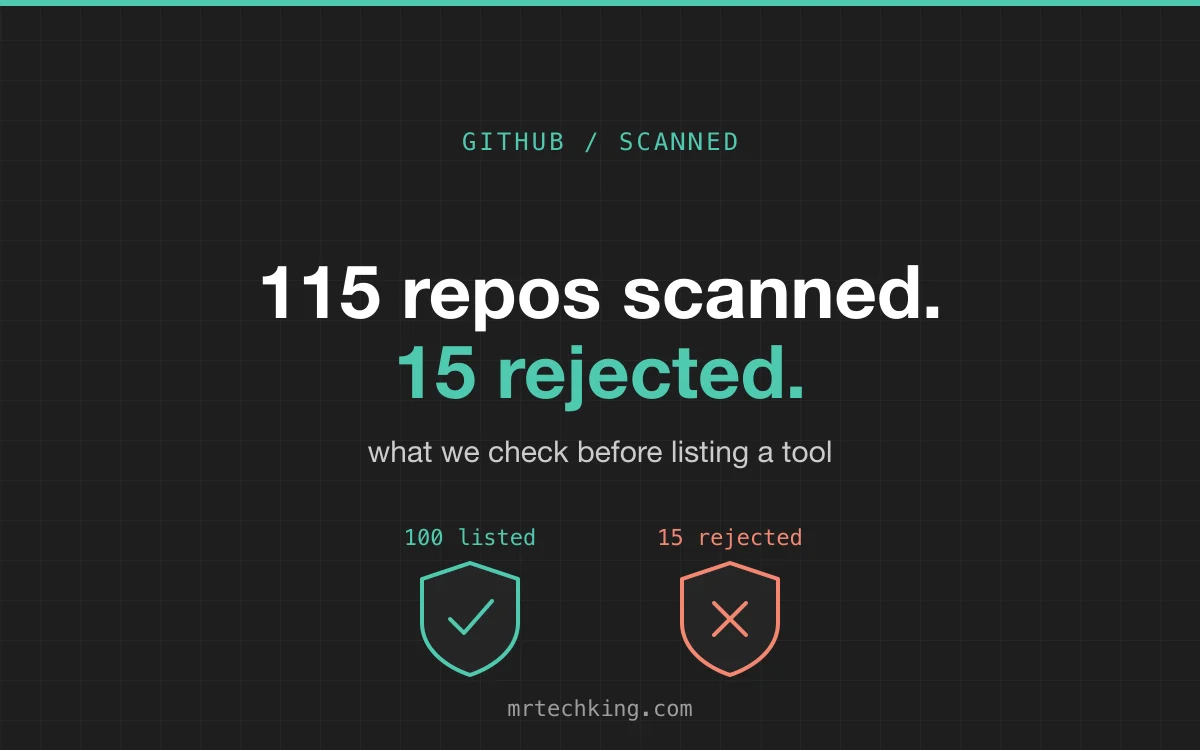
So before any GitHub project is listed on this site, we clone it and scan it. Every one of the 252 repositories in our GitHub section carries a scan badge and a verdict note written from what the scan found. In the latest round, a hundred new tools went in, from local AI runners to self-hosted apps and coding agents. To get those hundred, we scanned 115 and rejected 15. This is what we check, and why those 15 were turned away.
What the scan looks at
The scanner clones the repository at a fixed commit, so the listing describes a version we actually read, and runs nine checks:
- Secrets. API keys, tokens and private keys committed to the repository. A hit is read by a person, because most are test fixtures or format examples.
- Suspicious code. Self-decoding strings, downloads piped into a shell, code that writes to your shell profile, and other patterns that malware uses and ordinary software rarely needs.
- Install-time code. npm lifecycle scripts, setup.py hooks, Cargo build scripts and installer scripts that fetch and run remote code, edit your shell profile or call sudo.
- Committed binaries. Executables and compiled objects checked into the source tree, which nobody can review.
- CI workflows. GitHub Actions that run pull-request code with the repository's secrets, grant write-all permissions, or pull third-party actions by tag instead of a pinned commit.
- Network hosts. Every host the code talks to, and any URL that points at a bare IP address.
- Known vulnerabilities. The lockfile's pinned packages checked against the OSV database, counted by severity.
- Project hygiene. A security policy, automated dependency updates, CodeQL, a licence file, a contributing guide.
- OpenSSF Scorecard. The project's score in the weekly Scorecard index, where it has one.
Then the findings go to a reviewer with the README, the licence and the issue tracker, and a decision gets made. Most projects pass with notes: the notes tell you what to know before installing. Some do not pass at all.
The 15 that did not make the cut
None of these were malware in the Hollywood sense. They failed on rules that we think matter more often: what the tool does with your accounts, what it records, what it ships with, and whether it is still a going concern.
Seven borrowed your ChatGPT or Claude subscription
The largest group. These projects let you sign in with a consumer ChatGPT, Claude or Gemini plan and then use that plan as if it were an API, by impersonating the official command-line apps' sign-in. One hides the Anthropic client ID in base64. Another piggybacks on your logged-in browser session. Consumer plans are not built for this, providers have suspended accounts for it, and a tool that treats your login as a resource is not one we will send readers to.
- agent-zero: signs in to your OpenAI Codex plan over OAuth to use it as a model provider, with Claude Code and Gemini CLI plans announced as next.
- chatbox: signs in to Claude and ChatGPT subscriptions using Claude Code's and Codex's OAuth client IDs, the Anthropic one base64-hidden in the source.
- deepchat: signs in with ChatGPT using the Codex CLI's OAuth client ID to call the chatgpt.com backend, plus a GitHub Copilot OAuth provider.
- leon: the 2.0 core signs in to ChatGPT through OpenAI's Codex OAuth client to use a ChatGPT plan as a model provider; the docs also say it is a developer preview that is not ready.
- mobilerun: uses Claude, ChatGPT, Grok and Gemini subscriptions via OAuth, impersonating Claude Code's client ID and system prompt.
- nextai-translator: its ChatGPT, Kimi and ChatGLM engines ride on your logged-in web sessions; it also carries 284 dependency advisories and unexplained committed OCR binaries.
- pi-coding-agent: signs in with Claude and ChatGPT subscriptions, the same mechanism as the others.
Two recorded more than they said
- suna: bundles Kortix Capture, an always-on screen, keystroke and audio recorder with no Quit option and a silent company-install mode that syncs to the server. It also ships under the Elastic License 2.0 and has a label-gated workflow that builds pull-request code with secrets.
- opcode: PostHog telemetry is on by default, with the consent flag hard-coded to true and the consent dialog never shown, while the README says No Telemetry. The issue and a fix were open and unmerged, with no code commits since October 2025.
Two shipped known critical holes
Self-hosted web apps run on a machine you own, often reachable from the internet, so a critical advisory in the framework they run on is not a theoretical problem.
- fastgpt: pins a version of Next.js with critical advisories, the same bar that has kept other self-hosted apps off the list.
- kotaemon: 26 critical advisories in libraries the running app uses, and a default login of admin/admin.
Two were already winding down
- letta: the README says the source moved to another repository; what is left is a twelve-file pointer, with the old server on an archive branch.
- vibe-kanban: the README headline says the project is sunsetting and links to a shutdown announcement.
Two fell under our content rules
- index-tts: voice cloning from a single reference clip is the headline feature, which falls under our voice-impersonation rule, and the model licence is restrictive.
- everything-claude-code: ships sponsored prediction-market content for Polymarket and Kalshi, which we keep off the site along with crypto-token projects.
What passing looks like
A hundred repositories passed in the same round, and most of them passed with notes. Read the verdict note on any listing and you will see the kind of thing we mean: Pi-hole's installer is a curl-into-bash script that re-runs itself with sudo, so read it first. Navidrome sends an anonymous usage report by default that one setting turns off. Paperless-ngx stores your documents unencrypted and says so, which is why it belongs on hardware you control. None of that is a reason to reject a project. It is the reason the note exists.
The repositories that scored cleanest were not always the biggest. A clean scan plus good hygiene, a security policy, pinned actions and a lockfile, tends to come from projects with a few maintainers who have been doing this for years.
How to check a repository yourself in five minutes
- Read the install command. If it pipes a download into sh or bash, open the URL and read the script before you run it.
- Search the code for OAuth client IDs and the word subscription. A tool that wants to sign in with your ChatGPT or Claude plan rather than an API key is using your account in a way the provider did not intend.
- Open .github/workflows. pull_request_target plus a checkout of the pull request's code is the classic way a stranger gets a repository's secrets.
- Look for a lockfile and run an audit. npm audit, pip-audit or cargo audit will tell you in seconds whether the pinned dependencies have known holes.
- Check the last commit and the README's first line. Sunset notices and moved-to notes are usually right at the top.
Or let us do it. Every project in our GitHub Tools section has already been through the scan, with the raw findings folded into the listing, and the No coding needed view keeps to the ones that install with a click.
FAQ
Does a scan badge mean a project is safe?
It means we cloned a specific commit, ran the checks above and found nothing we could not explain, and that a reviewer read the findings. It is not a guarantee, and a later commit can change things, which is why the listing names the commit it describes.
Why reject a tool for using my own subscription?
Because the risk lands on you. The provider sees API-style traffic from a consumer account, and accounts have been suspended for exactly this. A tool that needs your login to function has made your account its dependency.
Can a rejected project get listed later?
Yes. If the subscription sign-in is removed, the telemetry is made opt-in, or the critical advisories are fixed, we scan it again. Several listed projects are on their second scan.