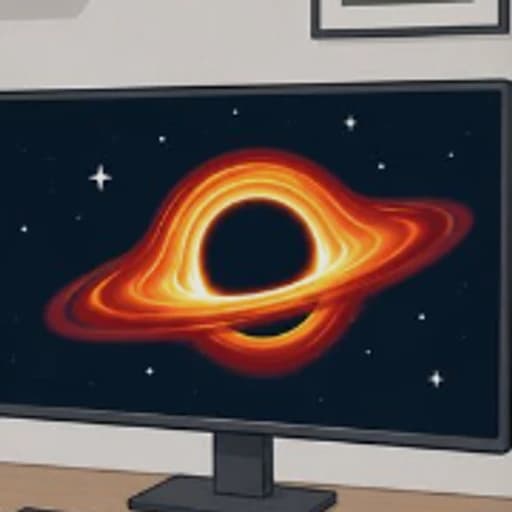
What is Black Hole Playground?
Black Hole Playground lets you explore a black hole that bends light the way a real one would. It was shared on Hacker News in 2026 as a physically accurate black hole you can put in your room.
There are four ways to see it: on your screen, in augmented reality in your room with Chrome on Android, in a VR headset, or through your camera with the black hole distorting the scene around you. It is a simplified visualisation by Sasha (Alexander) Plavin, who points to his Synchray.jl project for science-grade rendering. A device with a GPU helps.
Main Features
- A black hole that bends light realistically
- Regular display mode
- Augmented reality on Android
- VR headset mode
- Camera mode that warps your surroundings
How to Get Started with Black Hole Playground
- Open blackhole.plav.in.
- Choose a view: display, AR, VR or camera.
- Move around the black hole and watch the light bend.
- Use a device with a GPU for smooth rendering.
Black Hole Playground Pricing
Black Hole Playground is free in your browser, with no account needed.
Who Should Use It?
- Space and physics fans
- Teachers showing gravitational lensing
- AR and VR owners
Black Hole Playground Alternatives
- Space Nowa live 3D map of the Solar System
- Relativity Parkspecial relativity at walking speed
- The Size of Spacezoom out to the size of the universe
Frequently Asked Questions
Is Black Hole Playground free?
Yes. It is free in your browser.
Can I see the black hole in my room?
Yes. The augmented reality view works in Chrome on Android, and there is a VR mode for headsets.
Why is Black Hole Playground slow?
It needs a GPU. Devices using software rendering may run very slowly.