What is Relativity Park?
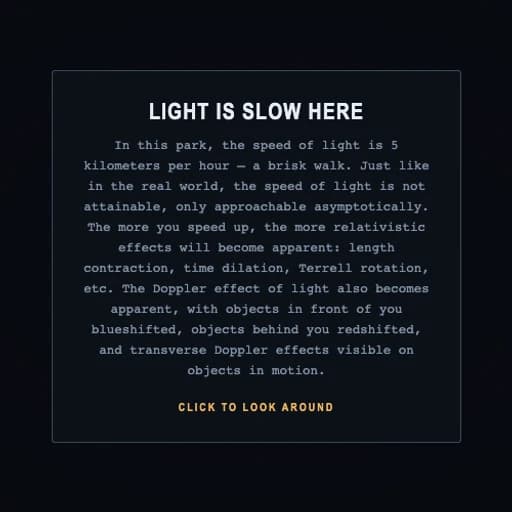
Relativity Park asks what the world would look like if light travelled at a brisk walk. In this 3D park the speed of light is 5 kilometres per hour, so as you move around, the strange effects of Einstein's special relativity become visible: lengths contract, clocks run at different speeds, objects ahead turn blue and objects behind turn red.
You move with the arrow keys or WASD and look around with the mouse. A dashboard shows your speed, the Lorentz factor and your watch compared with the world clock, and you can switch each effect on or off: light-travel delay, aberration and contraction, Doppler colour and relativistic beaming. It was made by Dmitry Brant in 2026 and the source code is public.
Main Features
- A walkable 3D world with c set to 5 km/h
- Length contraction, time dilation and Doppler shift you can see
- Toggle each relativistic effect separately
- Live readouts of speed, Lorentz factor and clocks
- Adjustable speed of light
How to Get Started with Relativity Park
- Open Relativity Park on a computer.
- Click to look around, then use WASD or the arrow keys to speed up.
- Watch the colours and shapes change as you approach light speed.
- Press L, G, C or B to switch effects on and off.
Relativity Park Pricing
Relativity Park is free in your browser, with no account needed.
Who Should Use It?
- Physics students and teachers
- Anyone who never quite got special relativity
- Fans of science toys
Relativity Park Alternatives
- The Size of Spacezoom out from an astronaut to the universe
- Stellarium Weba planetarium in your browser
- The Deep Seascroll down into the ocean
Frequently Asked Questions
Is Relativity Park free?
Yes. It is free in your browser.
What happens in Relativity Park?
Light moves at 5 km/h, so walking around shows the effects of special relativity, like time dilation, length contraction and Doppler colour shifts.
How do I move in Relativity Park?
Use WASD or the arrow keys to accelerate, the mouse to look, Space to stop and R to reset.