
1. Understanding Claude’s Core Strengths

Claude shines because of its ability to:
- Understand nuanced language: It can follow multi-part instructions, even when steps are conditional or require reasoning.
- Generate structured content: From lesson plans to reports, Claude produces outputs in clear, organized formats.
- Analyze and summarize documents: PDF, Word, and image-based content can be parsed and condensed efficiently.
- Assist in creative workflows: Role-play scenarios, blogs, lesson games, and content generation become faster and easier.
- Iterate intelligently: Claude can revise outputs based on feedback or additional instructions, creating highly refined results over time.
Practical example:
Upload your ESL textbook PDF and prompt Claude:"Generate a 30-slide lesson outline for Unit 4, Level A3, 20 students, including interactive games and cultural notes."
Claude will produce a structured outline ready for PowerPoint, including objectives, visual placeholders, and suggested interactive activities.
2. Crafting Effective Prompts

The effectiveness of Claude depends heavily on how you phrase your prompt. Here’s how to write prompts that maximize output quality:
Be Specific
Ambiguity reduces output quality. Include number of slides, student level, class size, and content requirements.
- ❌ Weak:
"Make me some slides for class." - ✅ Strong:
"Create a 30-slide ESL lesson outline for 20 students, including vocabulary, grammar, and at least 4 interactive games. Include cultural notes and visual placeholders."
Provide Context
Claude works best with background information.
- Include textbook, unit, and level:
"Use Be My Guest Unit 4, Level A3." - Include classroom details:
"Class size: 20 students, lesson length: 3.5 hours."
Break Complex Tasks into Steps
Complex tasks should be sequentially outlined:
"Step 1: List all vocabulary words. Step 2: Suggest 5 interactive games. Step 3: Assign slides to each activity. Step 4: Include cultural notes on guest etiquette."Specify Output Format
Claude responds better when you define the output:
- Outline format:
Slide number, title, objective, visual placeholder - Tables, bullet points, numbered lists
- Optional: maximum word counts per slide or per output section
3. Practical Prompt Examples with Explanations
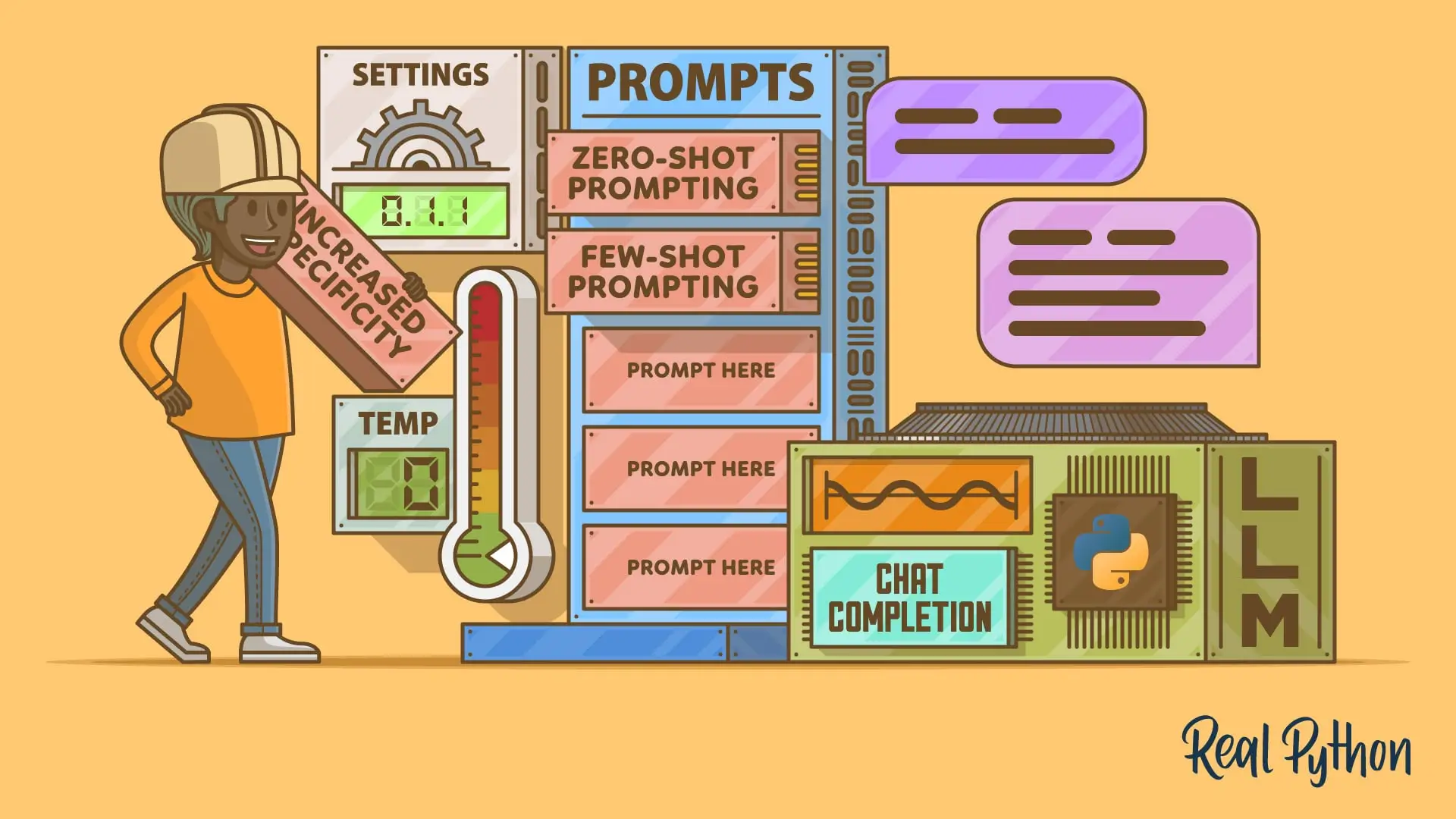
Here are some core types of prompts and why they work:
A. Lesson Planning
Prompt:
Generate a 30-slide ESL lesson outline from Unit 4 of 'Be My Guest', Level A3, 20 students. Include slide number, title, objective (with cultural note), and suggested visuals. Include 4–5 interactive games.Why it works:
- Defines structure and scope clearly.
- Ensures cultural etiquette is embedded.
- Directly usable for creating slides in Claude or PowerPoint.
B. Document Summarization
Prompt:
Summarize this uploaded PDF and extract actionable instructions, key vocabulary, and examples. Present in bullet points.Why it works:
- Claude condenses large content into manageable, actionable chunks.
- Extracts vocabulary for teaching or study.
- Ideal for time-saving before lesson creation.
C. Creative Content Generation
Prompt:
Write a 500-word blog post on 'AI in Education' for teachers. Include practical classroom examples, safety considerations, and actionable tips. Use headings and bullet points.Why it works:
- Audience targeting ensures relevant examples.
- Headings and bullets structure content for readability.
- Practical advice is immediately applicable.
D. Interactive Games Design
Prompt:
Design 5 interactive ESL classroom games for 20 students based on Unit 4 vocabulary. Include rules, group size, duration, and required materials. Make games culturally relevant and engaging.Why it works:
- Claude can create structured, ready-to-use games.
- Cultural relevance ensures activities are appropriate.
- Helps maximize student engagement.
E. Data Analysis
Prompt:
Analyze this Excel file and summarize key trends, averages, and top 3 takeaways. Suggest appropriate chart types for each insight.Why it works:
- Claude extracts actionable insights from structured data.
- Chart suggestions help with visual reporting.
- Useful for both academic and professional contexts.
F. Iterative Revisions
Prompt:
Revise the previous lesson outline to add 2 more interactive games and include polite guest-staff interaction phrases.Why it works:
- Builds on previous output; no need to start from scratch.
- Ensures incremental improvements and refinement.
G. Vocabulary Extraction
Prompt:
List all new vocabulary from Unit 4, include pronunciation and Vietnamese meanings.Why it works:
- Provides ready-to-use teaching material.
- Useful for flashcards, quizzes, or pronunciation drills.
H. Polite Interaction / Cultural Notes
Prompt:
Include polite phrases and etiquette tips for students practicing hotel role-play scenarios.Why it works:
- Reinforces culturally accurate communication.
- Enhances realism in ESL role-playing activities.
I. Workflow Automation
Prompt:
Upload Unit 4 PDF → generate 30-slide lesson outline → create vocabulary + pronunciation exercises → design interactive game slides → produce a teacher cheat sheet.Why it works:
- Combines multiple tasks in one workflow.
- Produces complete, structured lesson packages.
- Saves time while maintaining consistency.
4. Best Practices for Using Claude

- Iterate: Refine outputs using follow-up prompts.
- Test and verify: Check facts, grammar, or calculations.
- Combine creative + structured tasks: For example, outline + interactive games + blog post.
- Use cultural context: Helps ESL or role-play scenarios feel authentic.
- Keep files organized: Clear naming makes document uploads more effective.
5. Practical Example: ESL Lesson Creation
Workflow:
- Upload Unit 4 PDF.
- Prompt Claude for a 30-slide outline with cultural notes.
- Extract vocabulary lists and pronunciation exercises.
- Generate interactive games slides for 20 students.
- Create a teacher cheat sheet with slides, vocabulary, and instructions.
Outcome: Ready-to-use lesson with slides, games, cultural guidance, and student engagement features.
6. Conclusion

Mastering Claude is not just about giving commands. It’s about:
- Crafting precise prompts
- Leveraging uploads
- Iterating outputs
- Integrating cultural context
With practice, Claude can be a powerful assistant for educators, content creators, and professionals, making lesson planning, writing, and analysis faster, more accurate, and more creative than ever before.