What is Magic Sketchpad?
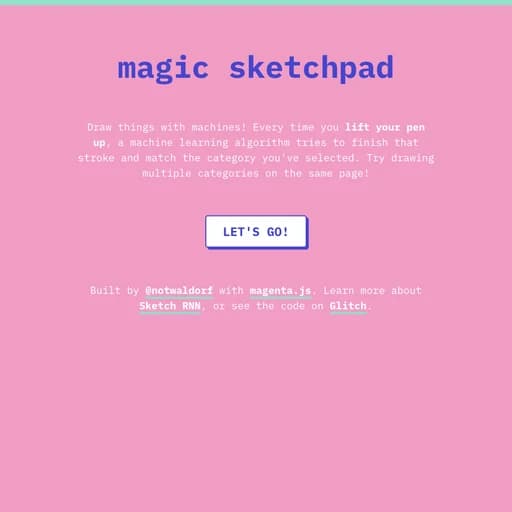
Magic Sketchpad is a small browser experiment by Monica Dinculescu, built with Google Magenta's magenta.js library. It uses Sketch-RNN, a neural network trained on millions of doodles from Quick, Draw!, to guess how your drawing should continue.
You choose a category such as a cat, a bicycle or a rainbow, then start drawing. Each time you lift your pen or mouse, the model takes over and tries to complete your stroke so the result looks like the thing you picked. You can switch categories and keep drawing on the same page, which leads to some odd hybrid sketches.
Main Features
- AI finishes your strokes as you draw
- Many doodle categories to choose from
- Mix several categories on one canvas
- Powered by Sketch-RNN and magenta.js
- Runs in the browser with mouse, touch or pen
- Open source code
How to Get Started with Magic Sketchpad
- Open the Magic Sketchpad page.
- Click Let's go and choose a category.
- Draw a stroke and lift your pen to let the AI continue it.
- Change category and keep adding to the drawing.
Magic Sketchpad Pricing
Magic Sketchpad is a free experiment with no ads and no account.
Who Should Use It?
- Curious people who want to see AI drawing in action
- Kids who like doodling
- Teachers introducing machine learning
- Artists looking for playful inspiration
Magic Sketchpad Alternatives
- Quick, Draw!: doodle while AI guesses
- AutoDraw AI: AI turns doodles into clip art
- Draw a Fish: draw a fish and watch it swim
Frequently Asked Questions
Is Magic Sketchpad free?
Yes. It is a free browser experiment with no sign up.
How does Magic Sketchpad work?
It uses Sketch-RNN, a neural network trained on doodles, to predict and draw the rest of your stroke for the chosen category.
Who made Magic Sketchpad?
Monica Dinculescu built it using Google Magenta's magenta.js library.