What is Seedmap?
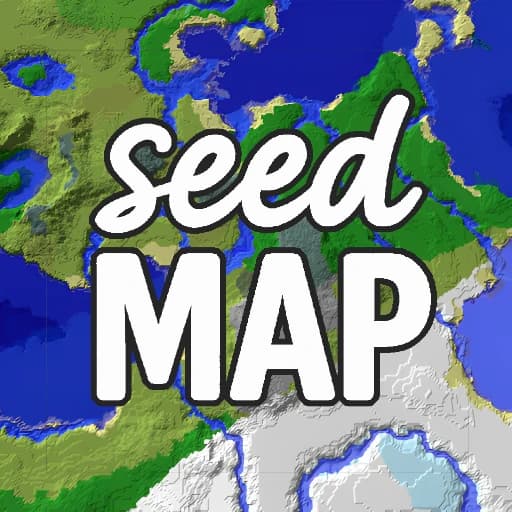
Seedmap is a browser tool for Minecraft players who want to know what a world holds before they start walking. You paste a seed, or roll a random one, pick Java or Bedrock and a game version, and the site draws the whole map with shaded terrain and color coded biomes for the Overworld, the Nether and the End.
The handy part is the structure layer. Villages, strongholds, ancient cities, trial chambers, woodland mansions and more show up as icons, and a click copies the exact coordinates. Extra pages find specific biomes and structures, locate ores and search for seeds that match the terrain you want. It is made by Deltarion Apps and is not affiliated with Mojang.
Main Features
- Seed map for Java and Bedrock editions, with versions back to 1.18
- Overworld, Nether and End views with terrain shading and elevation
- Color coded biomes, including cherry groves and other newer biomes
- Click any structure icon to copy its exact coordinates
- Biome and structure finder for hunting a specific location
- Ore finder for diamonds and other resources
- Seed finding tool for worlds with the terrain you want
- Random seed button and a free Android app
How to Get Started with Seedmap
- Open seedmap.app in your browser.
- Paste your world seed or press Random to try a new one.
- Choose Java or Bedrock, the game version and the dimension.
- Zoom around the map and click a structure to copy its coordinates.
Seedmap Pricing
Free. The website is free to use with ads and no sign up. The Seed Map Android app by Deltarion Apps is also free on Google Play and contains ads. No paid plan was found.
Who Should Use It?
- Minecraft survival players picking a base location
- Speedrunners planning routes to strongholds and fortresses
- Bedrock players on consoles or phones who want a map
- Server owners checking a seed before launch
- Builders looking for a seed with a specific biome or terrain
Seedmap Alternatives
- Voxels: a simple block building toy in the browser, closer to playing than planning
- Sandboxels: a free sandbox of elements and reactions for open ended tinkering
- Watabou: free generators that draw fantasy towns and dungeons from a single click
Frequently Asked Questions
Is Seedmap free?
Yes. Seedmap is free to use in your browser with no account, and it is supported by ads. The Android app from the same maker, Deltarion Apps, is also free on Google Play and shows ads. There is no paid plan or premium tier listed.
Does Seedmap work for Bedrock and Java?
Yes. You can switch between Java and Bedrock editions and choose a game version, from 1.18 up to the newest releases listed on the site. Structure lists differ slightly between editions, and the map updates when you change the edition or the dimension.
How do I find a village with Seedmap?
Paste your seed, select your edition and version, and stay on the Overworld view. Village icons appear on the map, and clicking one copies its coordinates. You can then type those coordinates in game or use the separate finder page to search for the nearest one.