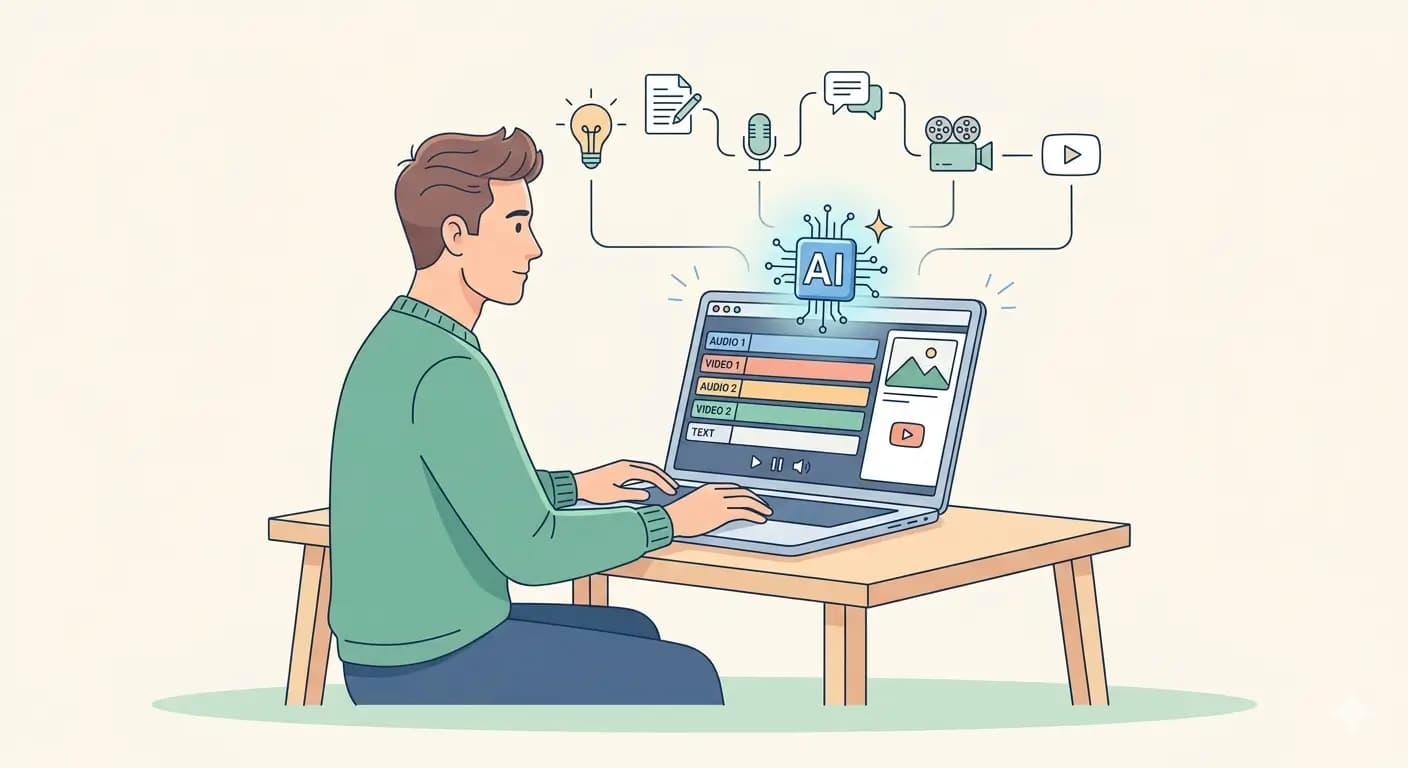

1. Google Gemini – Script Writing in Minutes
One of the biggest challenges when starting a YouTube channel is knowing what to say. Google Gemini can quickly generate structured video scripts with clear ideas and natural flow.
Example
You want to create a video:
Title: 7 AI Tools That Save Time
Prompt:
Write a 60-second YouTube script explaining 7 AI tools that improve productivity. Include a strong hook and short explanation for each tool.
Output structure:
Hook
List of tools
Short explanation
Ending line
Instead of spending hours thinking about content ideas, Gemini can instantly generate a clear script that you can refine and use right away.

2. ElevenLabs – Realistic AI Voiceovers
If you don’t want to record your own voice, ElevenLabs creates natural voice narration.
Example workflow
- paste script from ChatGPT
- choose voice style (male, female, storytelling)
- download audio
Example video:
Topic: 5 Websites That Feel Illegal To Know
You simply convert text into voice.
Why useful:
- no microphone needed
- no background noise issues
- consistent audio quality
Great for:
- storytelling channels
- explainer videos
- fact videos

3. Pictory – Turn Script into Full Video Automatically
Pictory converts text into video scenes using stock footage and captions.
Example
Script sentence:
AI tools can save hours of work every week.
Pictory automatically:
- adds matching video clips
- adds subtitles
- syncs visuals with script
Example video idea:
Topic: 10 Productivity Hacks
Each tip becomes a scene automatically.
This tool saves many hours of editing.
Best for:
- list videos
- tutorial videos
- educational content

4. Midjourney – Generate Custom Images
Stock footage can look generic. Midjourney helps create unique visuals.
Example prompts
futuristic robot working on laptop cinematic lighting
minimal workspace aesthetic top view
Use images for:
- background visuals
- storytelling scenes
- thumbnails
Example niche:
- tech channels
- science channels
- history channels
Custom visuals make videos more unique.

5. Runway – AI Video Generation
Runway allows you to create short AI video clips from text or images.
Example
Upload image:
astronaut illustration
Runway creates motion animation.
Use for:
- intro scenes
- background animation
- short storytelling clips
Example video:
Topic: Future of AI
Add animated visuals to improve engagement.

6. Canva – Thumbnail Creation
Thumbnails strongly affect click-through rate.
Canva allows quick thumbnail design using templates.
Example thumbnail text
BIG AI SECRET
5 WEBSITES YOU NEED
NO LOGIN REQUIRED
Use:
- bold font
- simple design
- strong contrast
Thumbnail creation time: 5 minutes.

7. CapCut – Simple Video Editing
CapCut helps combine voiceover, visuals, captions, and music.
Example workflow
- upload voiceover
- add visuals from Pictory or Midjourney
- auto generate captions
- export video
Useful features:
- auto captions
- transitions
- sound effects
Great for:
- YouTube Shorts
- TikTok videos
- Instagram Reels

8. Soundraw – AI Music Generator
Music improves viewer engagement.
Soundraw generates royalty-free music.
Example
Choose:
mood: inspiring
genre: electronic
Download background music.
Use for:
- tech videos
- motivational content
- productivity videos
Avoid copyright issues.

9. Leonardo AI – Character Creation
Leonardo AI helps generate consistent characters across videos.
Example prompt
cartoon businessman minimalist style blue background
Use same character across videos.
Example channel:
business storytelling
This builds brand identity.

10. Notion AI – Content Planning
Consistency is important for channel growth.
Notion AI helps organize video ideas.
Example content plan
Week 1:
5 AI tools for students
Week 2:
10 websites that feel illegal to know
Week 3:
AI tools for productivity
Week 4:
best free AI tools
You can plan months of content quickly.
Example Complete Workflow
Video idea:
8 AI Tools That Save Time
Step 1: ChatGPT → generate script
Step 2: ElevenLabs → generate voiceover
Step 3: Pictory → generate video scenes
Step 4: Runway → create intro animation
Step 5: CapCut → combine scenes
Step 6: Canva → create thumbnail
Total time:
1–2 hours per video.
Example Channel Ideas
Faceless channel topics:
- AI tools
- productivity tips
- tech facts
- motivational videos
- finance education
- storytelling
- history facts
- language learning
No camera required.
Tips for Growing a Faceless Channel
- keep videos short and clear
- use strong hook in first 3 seconds
- use captions
- post consistently
- focus on useful information
- create simple thumbnails
- test different formats
Final Thoughts
AI tools have made it easier than ever to start a faceless YouTube channel. You don’t need a studio, camera, or editing team.
With the right tools and workflow, one person can create multiple videos per week efficiently.
Start simple, experiment with different ideas, and improve your workflow over time.